

 Image: Zion Grassl / Nintendo Life
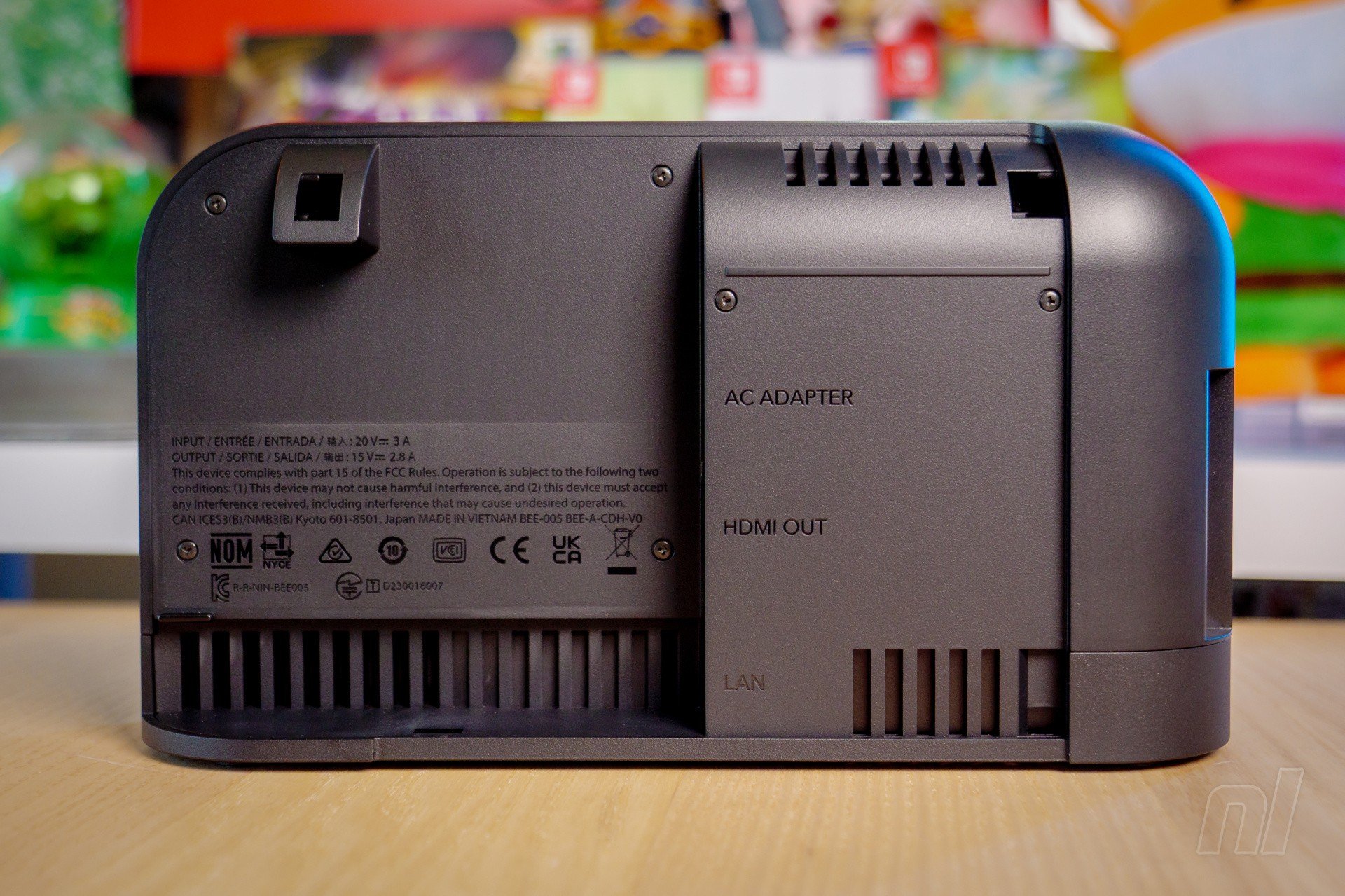
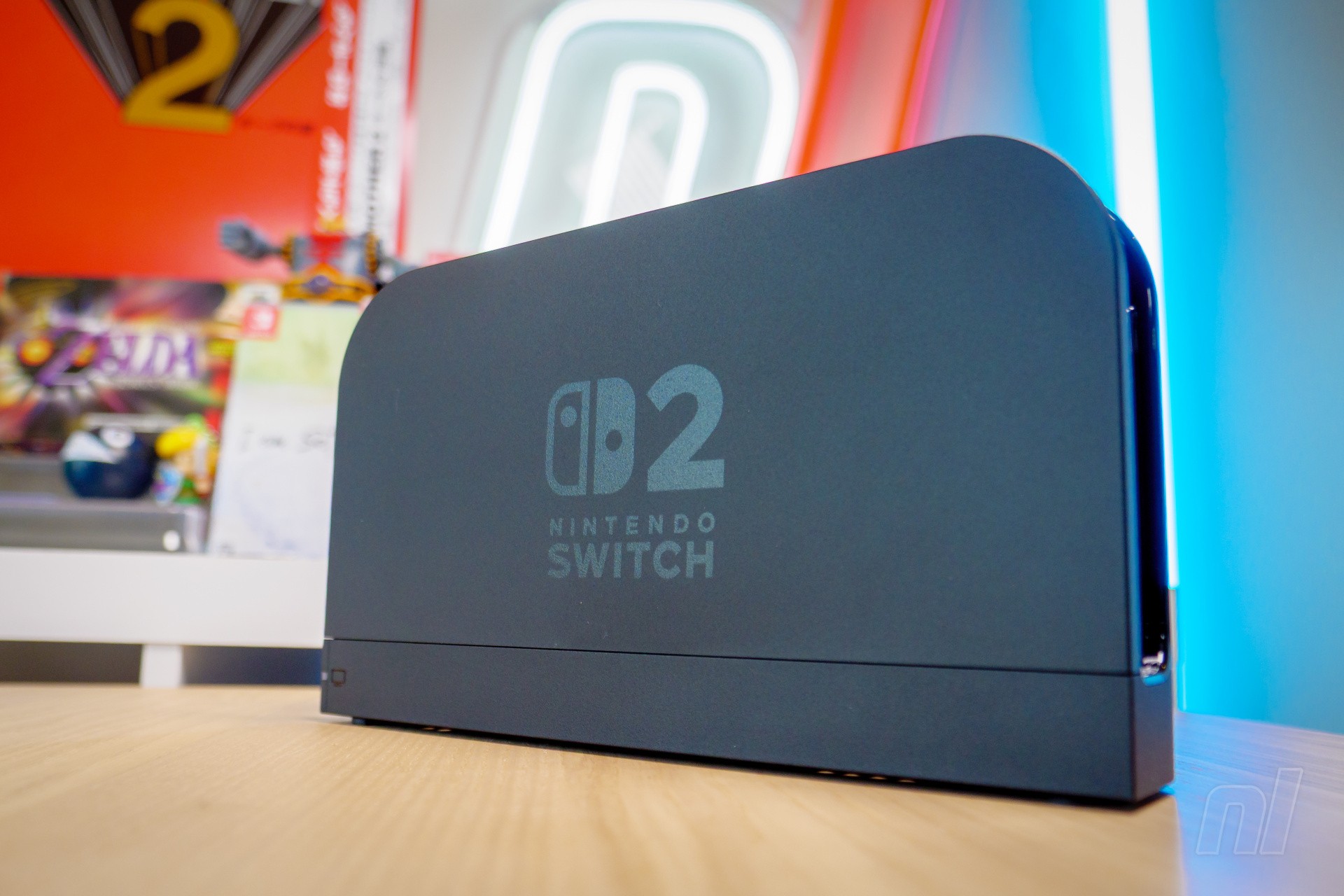
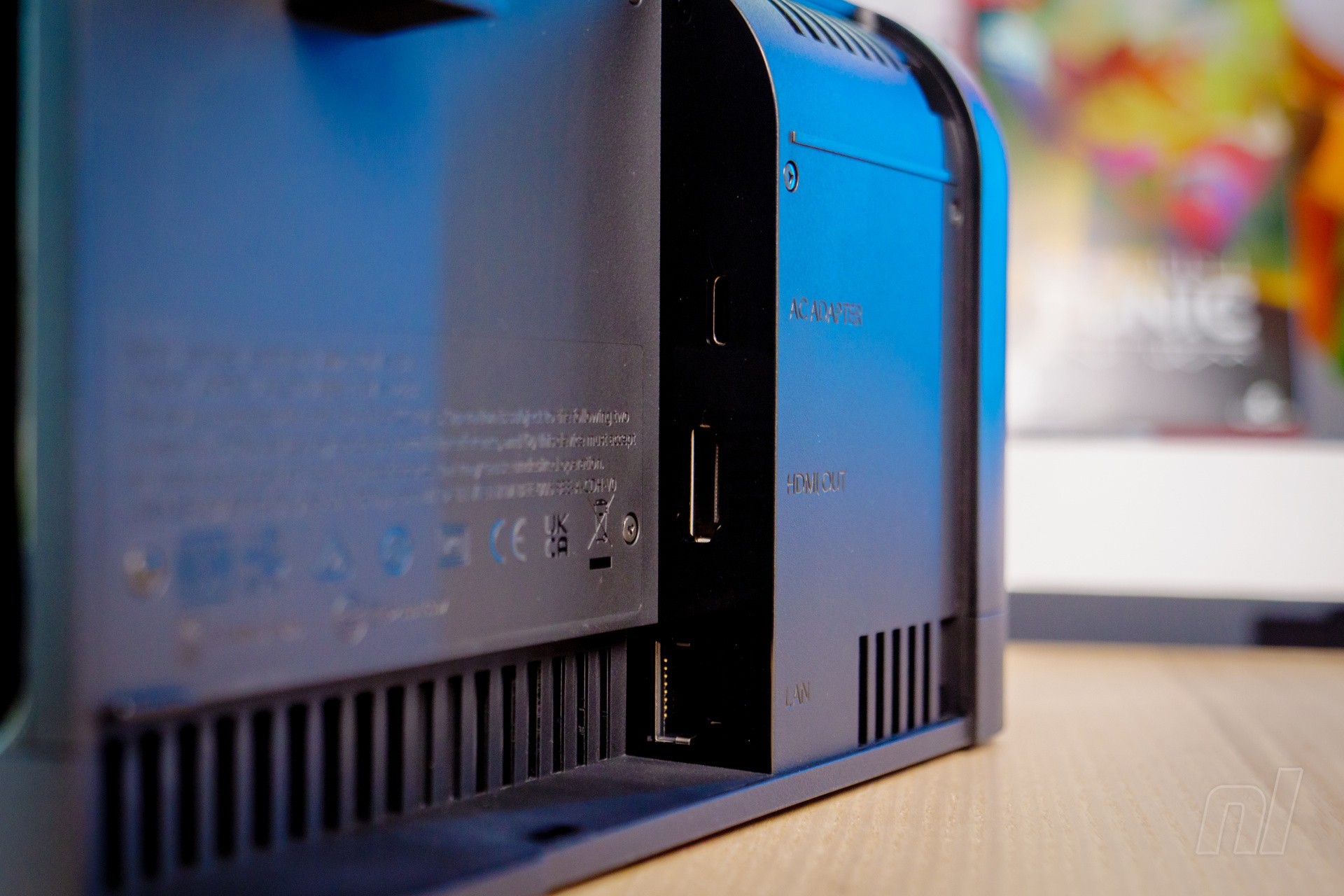
Since the introduction of the OLED model, there’s been an Ethernet port built into the dock of Nintendo’s flagship Switch, and that continued this year with Switch 2. If you’re after the fastest download speeds or you play competitive online games while docked to your TV, you may benefit from wiring up your dock to your router directly.
However, since launch back in June, we’ve seen reports of players having issues with wired internet connections. Some point to the Realtek port as the culprit, others think it’s a specific firmware or software glitch, or a USB-C-related handshake issue where something periodically goes awry. But whatever the reason, there seems to be a group for whom Switch 2’s Ethernet port just isn’t functioning correctly.
Asking around the NL office, it’s blank faces, (un)fortunately. Either a wireless connection is sufficient and we haven’t ever bothered wiring up the dock, or we just haven’t experienced any issues.
However, our forums and the wider internet are filled with people who have had issues. Some have sent their docks back to Nintendo with varying degrees of success; others have found that connecting their phones via a USB cable somehow resets the chip and managed to get their Ethernet back up and running, if only temporarily.
 Images: Zion Grassl / Nintendo Life
Naturally, Nintendo has its error codes and related pages, but assuming that using a different Ethernet cable doesn’t solve your problem, opening up a report ticket with Nintendo is the only option they’re offering.
Obviously, this issue will be frustrating if it impacts you, but we’re keen to get a sense of just how many people this is affecting. As with any electronic device, there’ll be a percentage of failures or manufacturing faults that crop up that’ll need attention, and with 10.36 million people (and counting) picking up a Switch 2 in the first few months, there are bound to be some malfunctioning units – but how widespread is the problem?
Let us know in the poll below if you’ve experienced any issues with a wired internet connection – and if / how you’ve solved the problem.
Have you had problems with wired connections via Switch 2’s Ethernet port? (482 votes)
- Yes! Pretty much since day one, nada
- Yes! it sometimes works, sometimes doesn’t
- I had an issue, but Nintendo repaired it
- I had an issue, but I sorted it out / it sorted itself out
- Nope, I’ve never had a problem with it
- I’ve never tried a wired connection, actually!
- Pff, all you fancy Switch 2 owners with your fancy Switch 2 problems…

Gavin first wrote for Nintendo Life in 2018 before joining the site full-time the following year, rising through the ranks to become Editor. He can currently be found squashed beneath a Switch backlog the size of Normandy.
